56k Flash. . .
Apr 28, 2010 at 1:57 am
Really makes a person wonder how many years it really takes for that giant ship to turn. . .
[adobe]
READ MORE: Uncategorized
1 Comment
Apr 28, 2010 at 1:57 am
Really makes a person wonder how many years it really takes for that giant ship to turn. . .
[adobe]
READ MORE: Uncategorized
1 Comment
Apr 15, 2010 at 11:41 pm

Another ridiculous one I decided to make while checking h264 encoded versions of renders in QuickTime Player 7 for compression differences before uploading them to the web. Yes I know that I could open up something like AE or Nuke and easily do difference comparisons between the footage:

But I found the time it takes to do that and all the other things I could get distracted by in AE or Nuke end up taking more time than I really want to spend anyway. And just visually comparing the difference the way the audience will see it makes more sense anyway. So my normal image quality check would require aligning the QuickTime Player windows and cycling between them by using (command ⌘ + ~)
As you would imagine aligning the windows is difficult to ever get perfect. Luckily this was something Applescript could easily handle so I first wrote a simple script that would easily line up all the open QT player windows to the frontmost window. Now I was able to easily cycle between the windows with the same hotkey combo mentioned above. I thought I would try automating this a bit and also found a way to have difference do this for me automatically for me by telling it how many times to cycle and how fast to do it. So now the process is simple. Just open the content you would like to compare in QuickTime Player 7, click the difference app in your dock or Finder toolbar. . .

. . . and difference will line up the content and will ask you how you would like to automatically cycle the images (you can quickly just type 0, return, 0, return if you would like to do it all manually) and then you can just sit back and check it out for yourself, the way your eyes see it on a screen.
Luckily this process seems to be less important as encoding for the web gets better but I always find it a good idea to at visually check to see how something compares to the original before putting it out there for the world to see. With an app this easy to use you no longer have an excuse.
Demo:
QuickTime Version 1440×900 (70MB)
![]()
Download: difference (360KB .zip)
Log:
-2010.3.25: basic functionality
-2010.3.27: added automatic cycling
Not 100% sure if QT player was called QuickTime Player 7 in 10.5.8 so anyone using Leopard let me know and I will make sure to include a version that works.
Enjoy! If there are any issues or concerns please contact: andoruLABS.support. Also, this app is free but feel free to donate like a maniac.
READ MORE: labs, vfx
2 Comments
Apr 10, 2010 at 7:33 pm

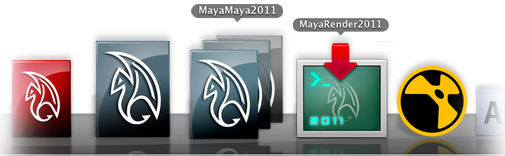
Updated both MayaMaya and MayaRender for 2010 & 2011 versions. Maya 2011 is a must have upgrade if you are working on OS X, loads of new features, lots of bug fixes (although I am sure some others will pop up) and just an all around better version of Maya for the Mac. Oh, and 64bit! Who doesn’t want to have multiple iterations of that sexy UI?
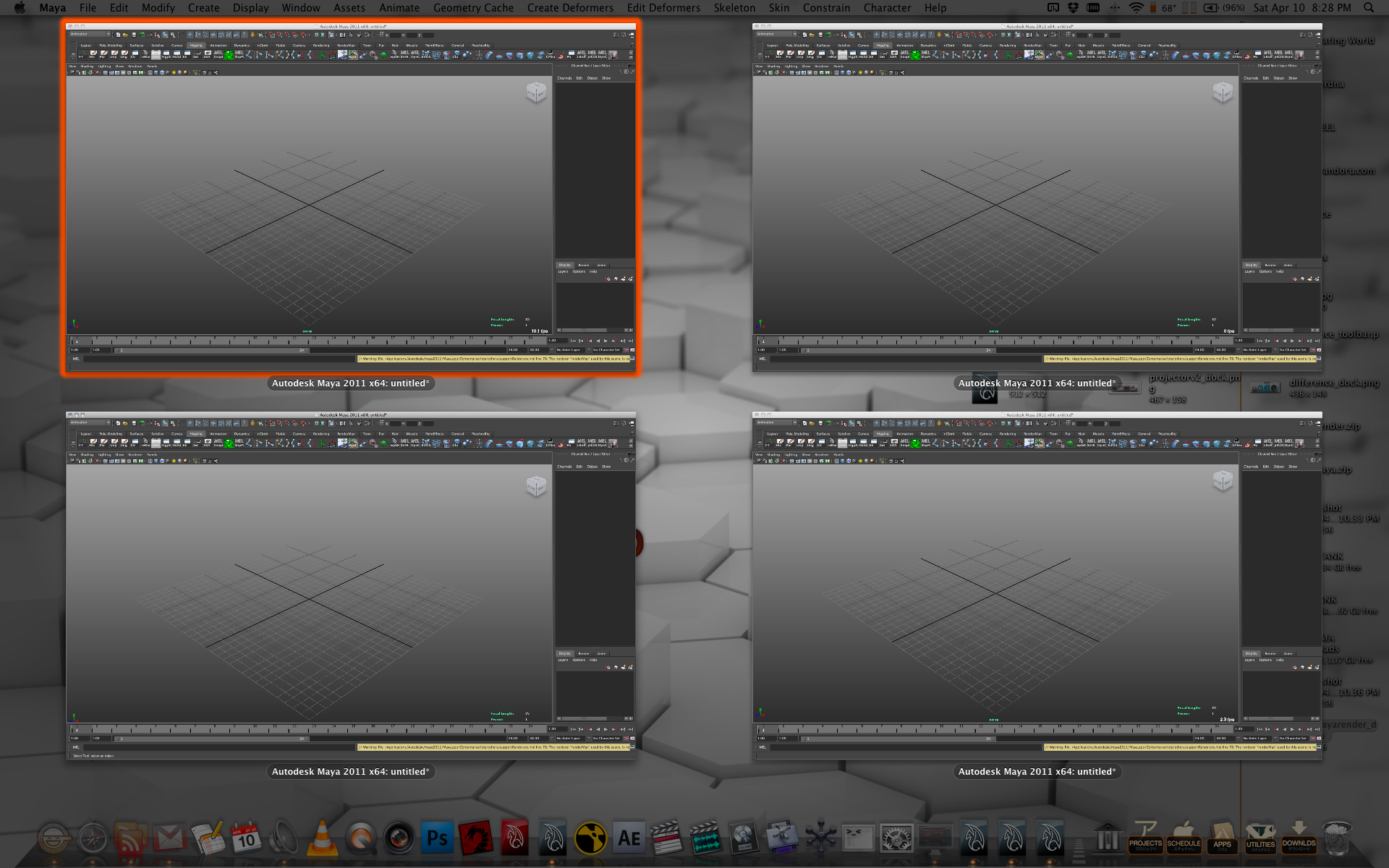
Just download from the same location as before using the links above. Both apps are tested and should be working just fine with the new versions, please let me know if you have any issues.
Side Note: You may have seen the little orange plus signs recently added below each post, those are there to let you easily share and link to these posts on other sites, so feel free to do so.
READ MORE: animation, labs, vfx
Post a comment
Apr 9, 2010 at 9:16 am

Updated version of the original post to show off what is possible with projector_v2!
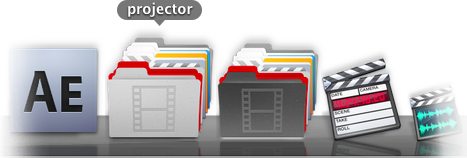
Quite possibly the laziest of all the lazy apps. projector is a simple workflow droplet app that allows you to easily create and change project folders and icons to keep your film/animation projects nicely organized at a glance. So you can easily go from this:
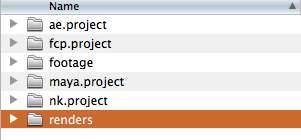
To this:

In no time at all.
Demo:
QuickTime Version 1440×900 (160MB)

Download: projector download page. . .
The icons included are modified versions of the default OS X 10.6 icons or icons included with the specific apps, and a few 2001: A Space Odyssey icons made by Mischa Mclachlan.
If you have any requests for icons to include in the release let me know in the comments! It will be easy to keep track of that way and stay attached to this post.
Enjoy! If there are any issues or concerns please contact: andoruLABS.support. Also, this app is free but feel free to donate like a maniac.
[andoru.labs] | [mischa.mclachlan]

READ MORE: labs, vfx
11 Comments
recent comments