

Mar 17, 2010
labs: AEae (Multiple AE instances in OS X). . .
Just like my MayaMaya app, but for After Effects. It simply opens up another instance of After Effects so you can have multiple projects open at once.
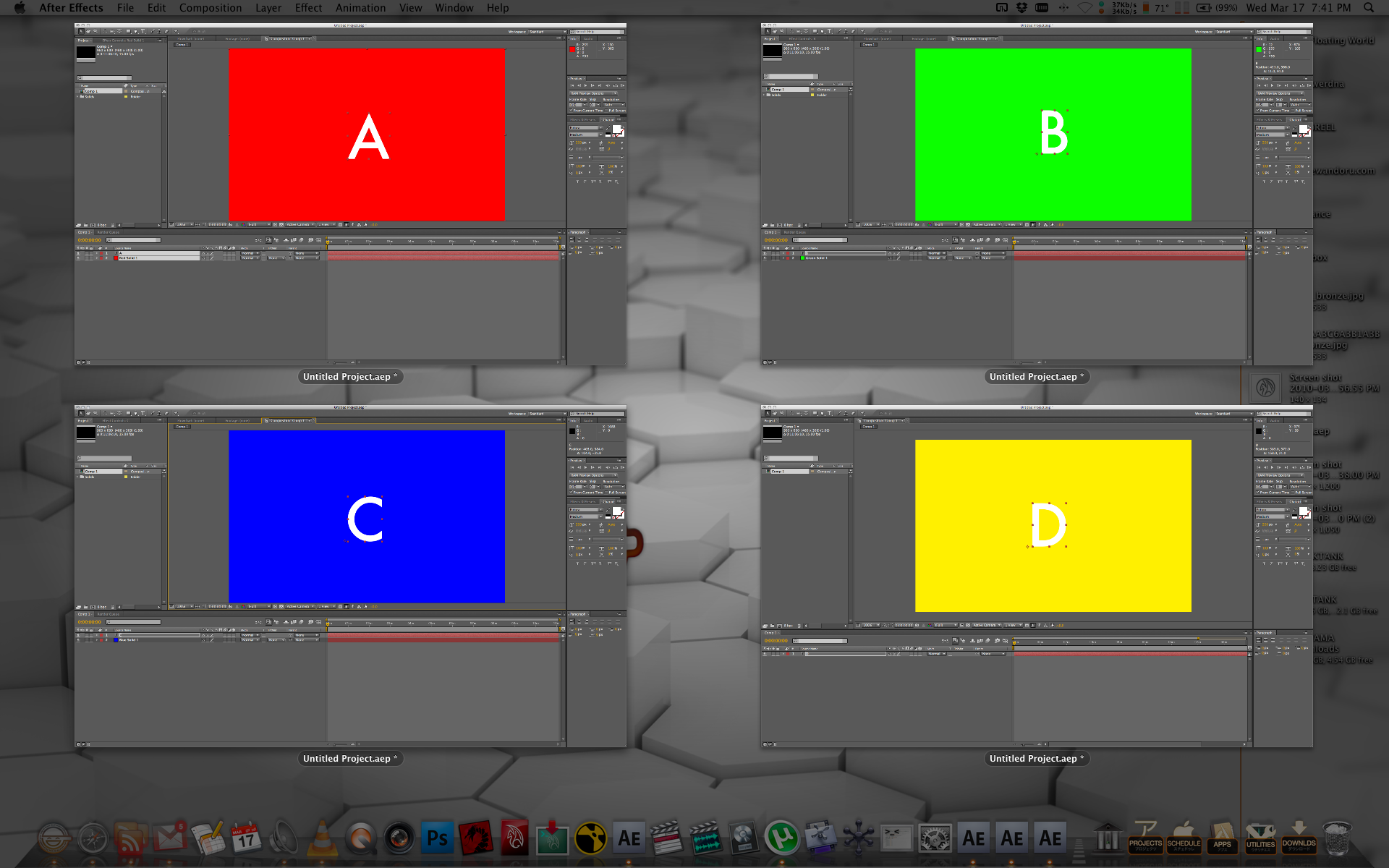
Unfortunately you cannot copy and paste directly from instance to instance, but there are many other reasons this can prove to be very useful.
AEae_v1.1 now supports drag and drop! You can either launch the application normally and choose how many instances you would like to open, or you can drop project files on the app to automatically open them in different instances of After Effects. This version also includes preferences, if you would like to reset the preferences, delete the “com.andorulabs.AEae*” file located in your “/User/Library/Preferences” directory.

Download: AEae download page. . .
Featured on Motionographer.com!
If you have issues, questions, or concerns please contact: andoruLABS.support

You can do this on either OS by starting After Effects from the command line with the -m switch.
Todd, thank you for this so much!
Djordje
Sorry I must be dense – why is this app usefull. I would think it would just bog down your machine. Can someone give me the top 5 reasons why this app is the bomb diggidy?!
It’s a valid question 🙂 I actually don’t use this very often with AE. But it is very useful for quick comparison purposes. You can easily import an AE project into your current project, it is just easier to compare or grab expressions/etc. Without having to clear out the imported project later. It would be nice if AE had a selective import so you could just get what you need. This is just something that has always been simple in apps like Nuke/etc. Just a simple workflow thing.
Yep, this app does it in one click and never even opens the command line. Since you work at Adobe, when can we expect to be able to copy/paste across multiple AE instances? ^_^
[…] is a quick demo of the AERender & AEae apps (both available in the “labs” section of this […]
Been doing this for a while all you have to do is duplicate the application.
Yeah I guess that is another method. This one avoids some extra copies of AE on your HDD though. ^_^
[…] con estas aplicaciones creadas por Andrew Hake lo tenemos más fácil. Se trata de Aeae y Aerender. La primera de estas utilidades nos permite abrir varias instancias de After Effects a […]
Added CS3 version for those using AE CS3.
Oh man! This is brilliant!
The icons were more work than the apps 🙂 It is literally a line of code, but damn if it isn’t easier to click once instead of opening up another app and typing a line of code.
This is so Awesome!!! I really love this App.
Thanks!
No problem. Glad it is useful.
does it not work in Tiger?
I have not tried. If it doesn’t you should be able to edit it within Tiger’s AppleScript Editor, save it out as a new app, and then it should likely work ok.
[…] AEae. . . […]
its great.. but its a shame it does only work on mac osx.. it would be great for pc 🙂
The CS3 version tries to launch CS4 inside the CS3 folder. The script should read:
set aepath to the quoted form of (POSIX path of (“/Applications/Adobe After Effects CS3/Adobe After Effects CS3.app”))
Thanks for the heads up. Problem fixed. Much obliged.
Possibility of an updated script for CS5.5?
Yeah the current version will actually work with CS5.5, you just need to delete the preference file that is stored at ~/Library/Preferences/com.andorulabs.aeae
and reset the app location to CS5.5