andrewandoru home

labs: projector_v2.3. . .

projector 2.3

projector updated to v2.3. Now allows the User to add custom icons and have then automatically recognized by the apps.

projector_v2.3 download page. . .

Log:
v2.3 – added auto-checking for Application Support folder, allows user to add their own folders/icons, design icon
v2.2 – added Premiere Pro and Shake icons
v2.0 – released! (new workflow including reprojector)
v1.0 – released!

[andoru.labs]

animation: oh yeah. . .

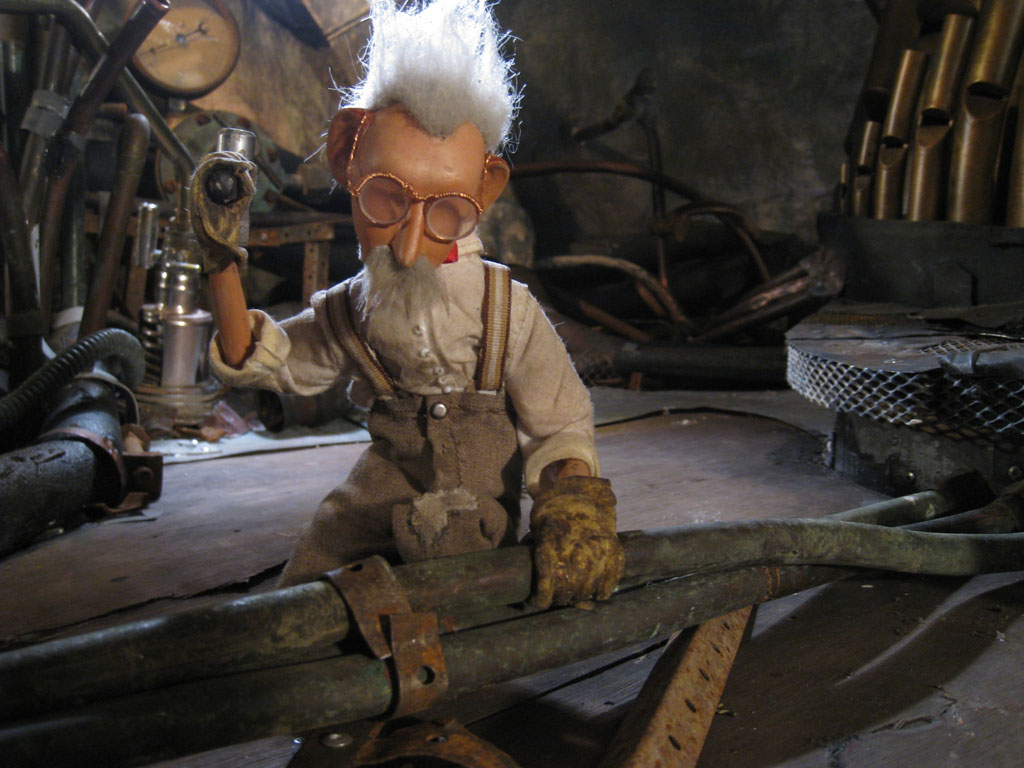
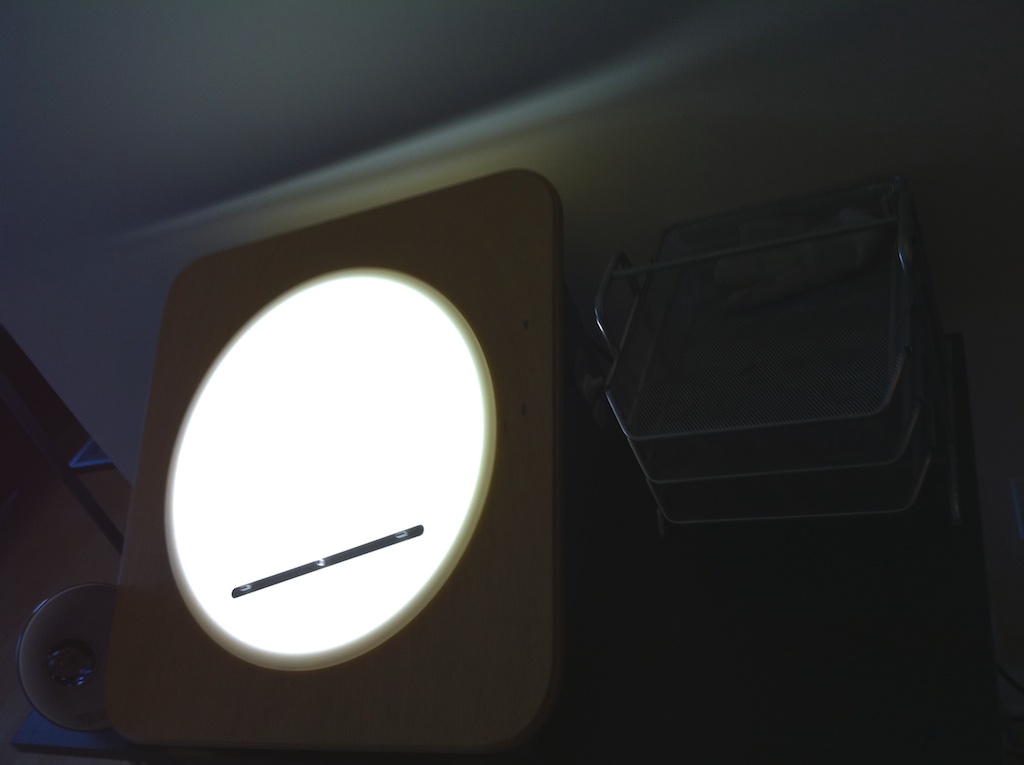
I just figured out what this odd contraption is for!

Rolling on a great tip off from the one and only David Bagsby, I am participating in Bill Plympton’s shot for shot remake of “Guard Dog”, a 2005 Oscar nominated short. I liked the dog, and it’s barking and what not so I will be working on shot 51 of the film. Check it out when it’s all put together later this year!

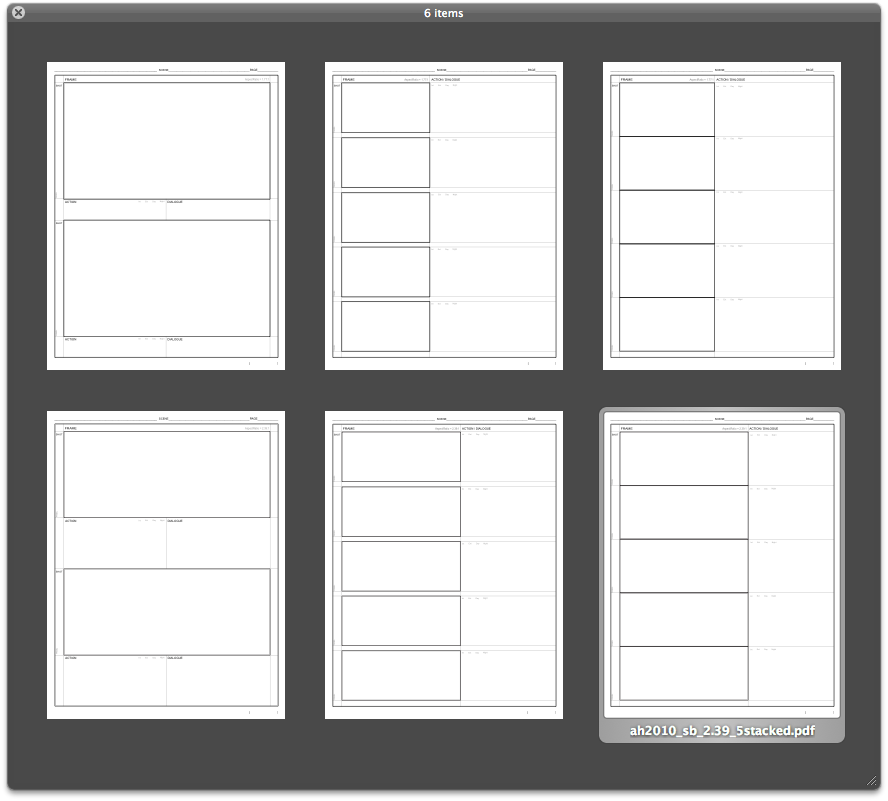
And speaking of animation, I just added 2:1 templates to my set of storyboard templates, and I have started to create dedicated pages for more of the tools under /labs.

[bill.plympton] | [david.bagsby]

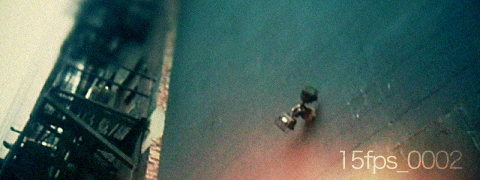
15fps_0004. . .

15 frames per second. It’s plenty really. But your brain doesn’t like it, not one bit.

Next time point your camera at it. . .

(click image to watch)


[15fps_0004 - 536frames] | prores | iphone 3GS | 2010.9.11

Music by Rebecca Pan

rebecca pan

[15fps] – a project without a time-frame. . .

labs: 5DDtoRGBB. . .

5DtoRGB is a Mac OS X app developed by Rarevision that is “designed to transcode your footage to a camera master format, either as Apple ProRes QuickTime files or DPX files.” Not a necessity for a lot of DSLR users, but great for any medium to heavy post work and those wanting to get the most flexibility when color grading. Another interesting bit is the ability to add an alpha to ProRes 4444 clips based on the luminance, to make it quick and easy to work with footage in post. Could be very useful for those shooting effects elements, etc.

At this point in time, 5DtoRGB is still in beta and works only as a single shot transcoding method. Meaning only one clip can be processed at a time. I would imagine Rarevision is planning to add batch functionality to their app in the future, but I see this as a very useful tool that people would like to put to immediate use. I developed 5DDtoRGBB to make it simple to open multiple instances of 5DtoRGB and prepare clips for encoding. I haven’t tested encoding times thoroughly, but I would imagine opening a massive number of 5DtoRGB instances and having them all process clips simultaneously will only end in tears.

5DDtoRGBB v1.1 (9/7) addresses this by having an “Auto” mode. Not quite a batch solution, but still very useful. In Auto Mode, 5DD will allow you to select or drag and drop multiple clips, and one instance of 5DtoRGB will load up with the first clip in the queue, allow you to convert it, then quit that instance, the next one will load up, and so on and so forth. So you still need to manually choose options for conversion and select a destination, but still can save some time. This is likely going to be redundant when Rarevision puts out on update, but I find it a good exercise to help improve my current and other future workflow tools. Rarevision has confirmed that a command line version is in the works so more 5DtoRGB stuff will definitely be happening in the future.

Included in the download is 5DDtoRGBB, and a Reset 5DDtoRGBB Preferences app which does exactly that. It sends the preference file (which is stored at ~/Library/Preferences/com.andorulabs.5DDtoRGBB.plist) to the trash. As you may have noticed, I also included a nice unofficial icon for 5DtoRGB as well. Let’s see if Rarevision is interested. . .

Demo:


Download: 5DDtoRGBB (871KB .zip)

Log:
-2010.9.06 – v1.0 Released!
-2010.9.07 – v1.1 added “Auto” and “Manual” modes

I have contacted Rarevision with the hopes that they will add command line functionality to their app so I can incorporate 5DtoRGB encoding into my RenderQ app and have a single simple solution for all heavy duty processing I do on my workstation. In the meantime, I am working on adding drag and drop functionality to this tool, and the ability to open multiple clips up in their own separate instance of 5DtoRGB, ready to press convert and began encoding when ready. Still not a complete batch processing solution, but a good workaround until. . .

Update (9/7): Rarevision says a command line version is indeed in the works and more features are coming soon.

If there are any issues or concerns please contact: andoruLABS.support. Also, this tool is free but feel free to donate if you find it useful.

[5DtoRGB] | [andoru.labs]

labs: 2010 Storyboard Templates. . .

story board index

Probably the most valuable couple of megabytes on this site, my storyboard templates have continuously been one of the top sources of traffic. For me, storyboarding is simultaneously the most rewarding and frustrating part of the film making process. It is very rare that a scripted scene survives the storyboarding step unscathed. While you really don’t need anything special to produce a great sequence of storyboard panels (choices range from the lowly diner napkin to the highest end Wacom Cintiq), we live in a world where people offer up all shorts of wonderful options and tools free of charge, and you would be silly not to take a look at them. I never found anything I really liked to draw my panels on so I put together some of my own a little while back.

Recently I updated them just a bit and while I tend to do most of by story boarding on one of these beauties. . .
. . . I also put together some .psd versions for people that like to work digitally from start to finish. Working in Photoshop also gives you the ability to mask off panels and shuffle things around easily.

You can checkout some examples of these templates in use on my current Floating World project page.

Demo:

QuickTime Version 1280×800 (26MB)

iPhone Version (8MB)


Download: andoru.LABS 2010 Storyboard Templates (1.54MB .zip)

Log:
[feel free to use and distribute these in accordance to the CC license presented at the bottom of this site]
-2010.8.06 – Updated for 2010 and simplified
-2010.8.06 – Added .PSD templates for digital storyboarding

Like I already mentioned, there are many ways to create a storyboard. Being arguably the most important part of the film-making process I recommend doing it with some class. . .

If there are any issues or concerns please contact: andoruLABS.support. Also, these templates are free but feel free to donate if you find them useful.

[andoru.labs]

look: Dried Up (Academy Approved!). . .

Full steam ahead. Dried Up (a film some good friends of mine made) received the Silver Medal in Animation at the Student Academy awards on June 12th in Beverly Hills. Even better the award was presented by Henry Selick.


From Right. Henry Selick, Isaiah Powers, Jeremy Casper.

If you haven’t already make sure to check out the film:

Congratulations to all those involved. Very well deserved!

[dried up] | [isaiah.powers] | [jeremy.casper] | [stuart.bury]

andrew hake | reel | twitter-andrewhake
one man thinktank

archive